Mrs. GREEN APPLE
Regarding photo registration for electronic tickets

In order to enter with an electronic ticket with a photo, both the applicant and accompanying person must register their photo in advance.

  • Whether or not you are required to register your photo will vary depending on the performance or event you are participating in, so please check the official website or reception page.
  • If you are required to register a photo, the registration deadline varies depending on the performance, so please check the reception page and register within the period.

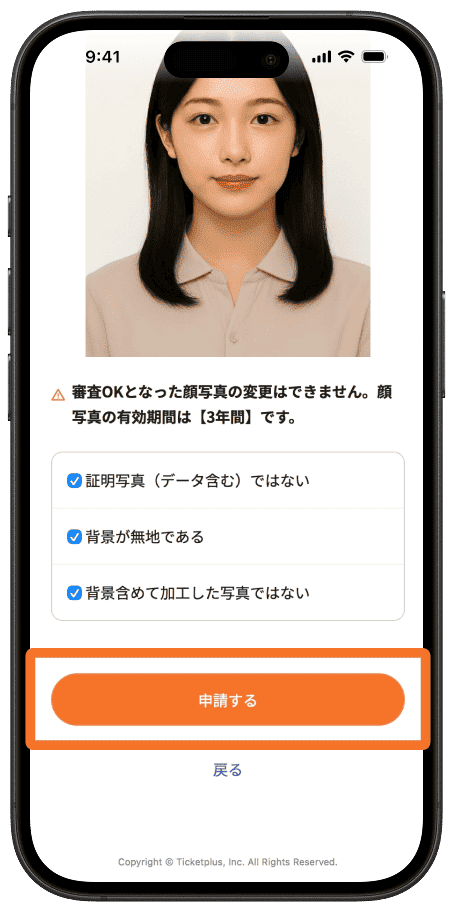
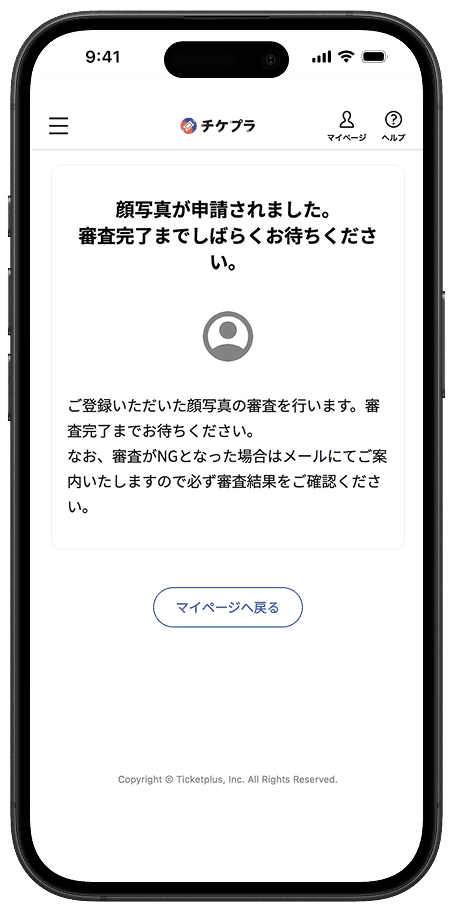
Steps for registering your face photo

  • Registration
  • examination
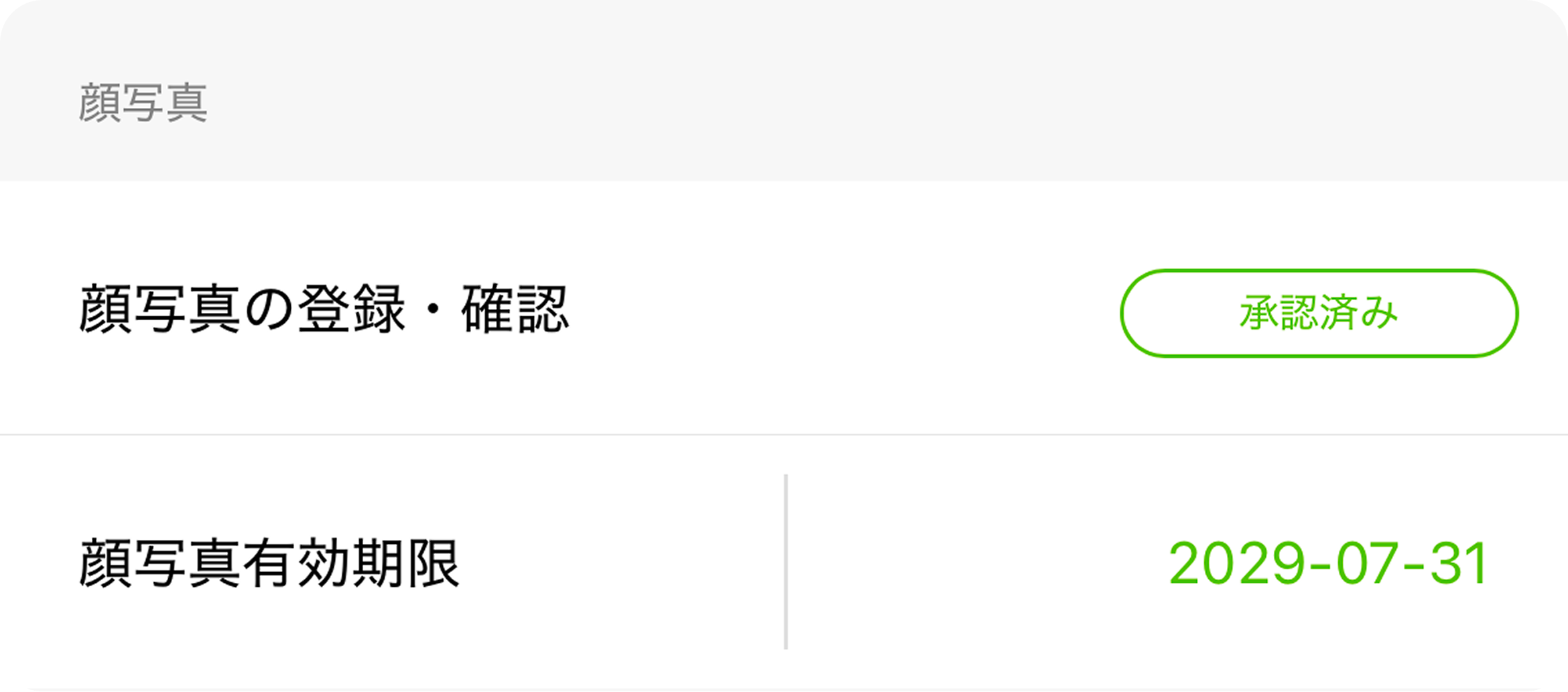
  • approval

There is a screening process for registering your face photo. This process may take some time, so please register as soon as possible.

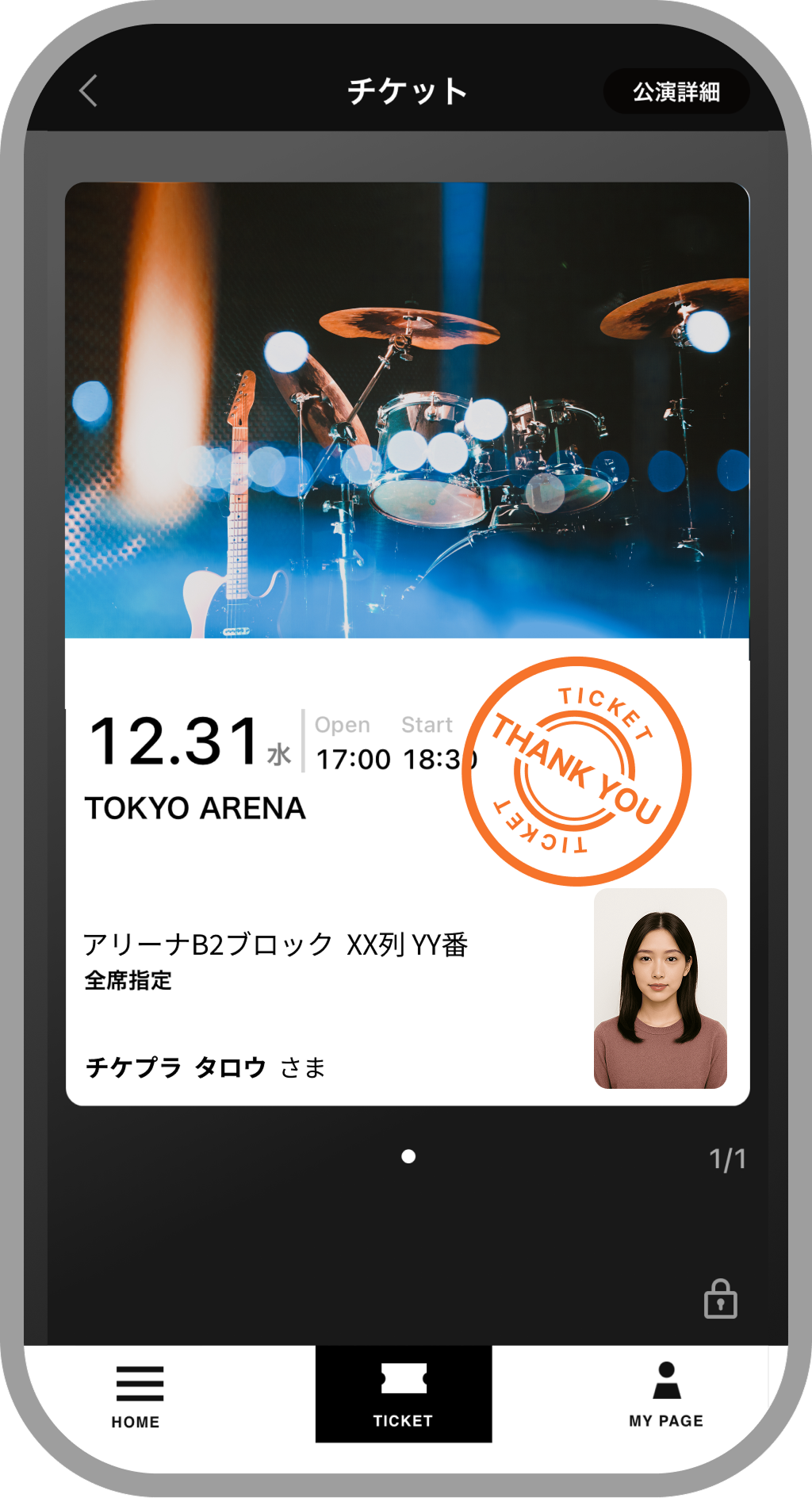
E-ticket image with photo

About face photo registration

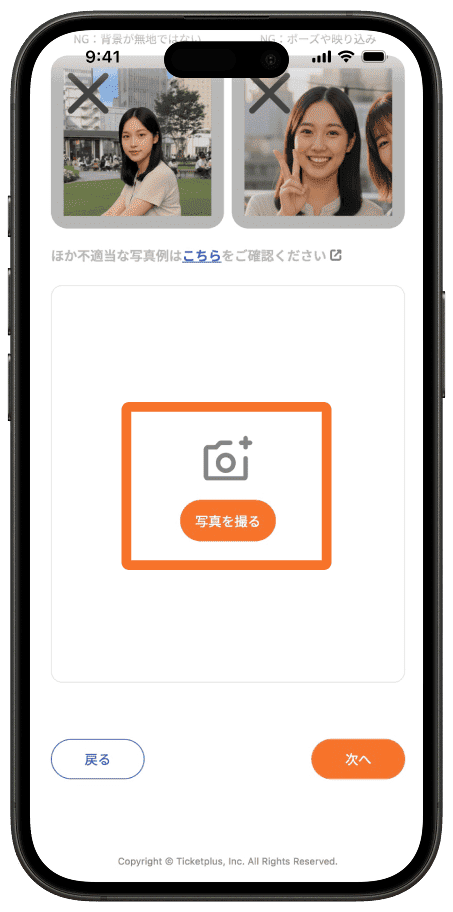
OK

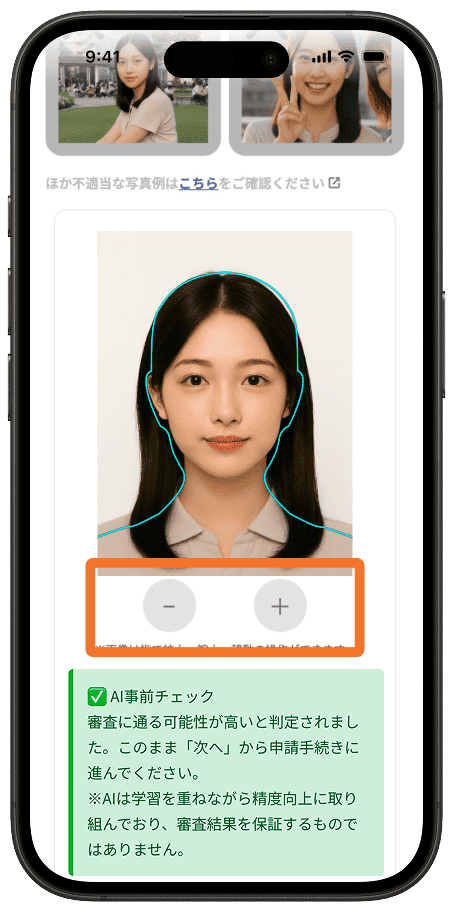
  • A plain or nearly plain background
  • People can be easily identified
  • Things taken within 6 months.
  • JPG image with a size of up to 2MB and a width of up to 3000 pixels.
  • Resolution of 240 x 320 pixels or higher
    (Photos taken with a regular mobile phone camera fall within the above criteria.)

NG

Filming location

  • Filmed in cars, buses and trains
  • Items with backgrounds or non-plain backgrounds
  • The background has been processed to make it white
  • Cropping photos that contain other people
  • Pets are in the photo
  • You are using ID photo data or have taken an ID photo

Quality

  • The lighting is reflected and the image is blown out
  • Shadows on the face due to backlighting, etc.
  • Not a color photo
  • The aspect ratio is distorted

Direction and gaze

  • The photo was taken from below.
  • The photo was taken from an oblique angle, with the subject looking up.
  • Face is not facing forward or looking at the camera

face

  • The photo has been edited, including the skin texture.
  • Posing
  • Smiling or making other expressions that are inappropriate for ID photos
  • There are faces all over the photo
  • The head is cut off
  • Bangs covering the eyes

Decoration

  • Wearing sunglasses, a hat, a scarf, a mask, etc.
    *If you need to wear a mask for medical reasons, please write that in the comments section when registering. Thank you for your understanding and cooperation.
  • Wearing a different outfit or hairstyle than usual for a wedding or party

Deadline for registration

Please complete this at least 5 days before the performance.
You can register any time within the deadline, regardless of the performance date.

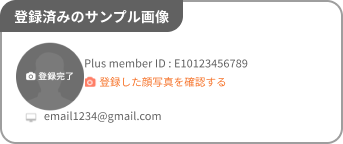
  • If you see "Registration Complete" as shown in the image, your face photo has already been registered. There is no need to send a new face photo.
  • 事前登録の期日:各公演の1ヶ月前
  • Deadline for last minute registration:5 days before each performance
Those who are not registered will not be allowed entry.

If you register after the final registration date, your photo may not be reviewed by the performance date.
We recommend that you register early to ensure smooth entry on performance day.
Please note that those who have not completed registration of their face photo will not be allowed to enter.

Registration Notes

Please check the notes
  • After registering your face photo, you cannot modify or change it until your application is rejected. In addition, after the screening is complete, your face photo cannot be changed until the expiration date (3 years) has passed. Please be careful not to register a wrong photo, such as a photo of someone other than yourself. Please be careful not to register a wrong photo, such as a photo of someone other than yourself.
  • If your photo falls under one of the examples of photos that are not allowed, we will send you a notice to re-register to the email address you registered after the review. If you have spam protection (such as domain-specific reception), please make sure you set it up so that you can receive emails from "plusmember.jp". Also, please check your My Page to make sure the email address you registered when applying is correct.
  • Before uploading photos, please check the recommended OS and browser environment.

Accompanying persons must also register their face photos.

  • Please inform your companions about this guidance page.
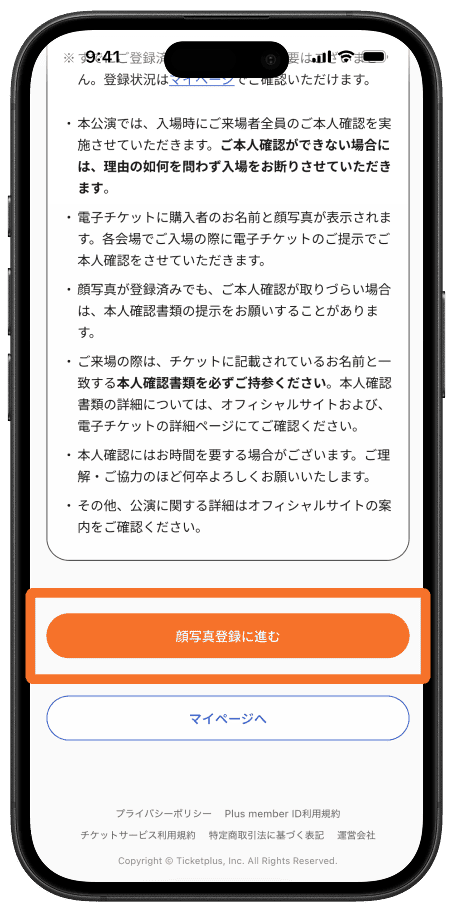
  • Accompanying persons should also click "Proceed to photo registration" at the bottom of this page, log in with their own Plus member ID, and register their photo.
Regarding identity verification at the time of entry

Please check the official website or the details page of the electronic ticket for performances and seat types that require photo registration.

Performances for which face photo registration is required

If you do not have a registered photo, you will be denied entry.

  • If you have already registered, there is no need to re-register. You can check your registration status on My Page.
  • For this performance, we will check the identity of all attendees upon entry. If we are unable to verify your identity, you will be denied entry regardless of the reason.
  • The name and photo of the purchaser will be displayed on the e-ticket. Your identity will be verified upon presentation of the e-ticket at each venue.
  • Even if your photo has been registered, if we are unable to verify your identity, we may ask you to provide proof of identity.
  • When you come to the venue, please be sure to bring identification that matches the name on your ticket. For details on identification documents, please check the official website and the e-ticket details page.
  • Identity verification may take some time. We kindly ask for your understanding and cooperation.
  • For further details about the performance, please check the official website.

About the screening

  • The photos you register will be reviewed in order, with priority given to those whose performance dates are closest.
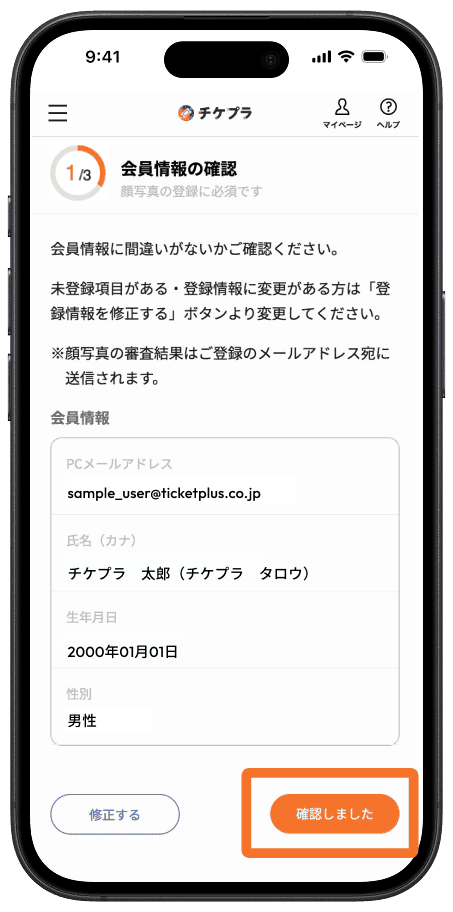
  • The results of the review will be sent to your registered email address. If the review is unsuccessful, please proceed to register again.