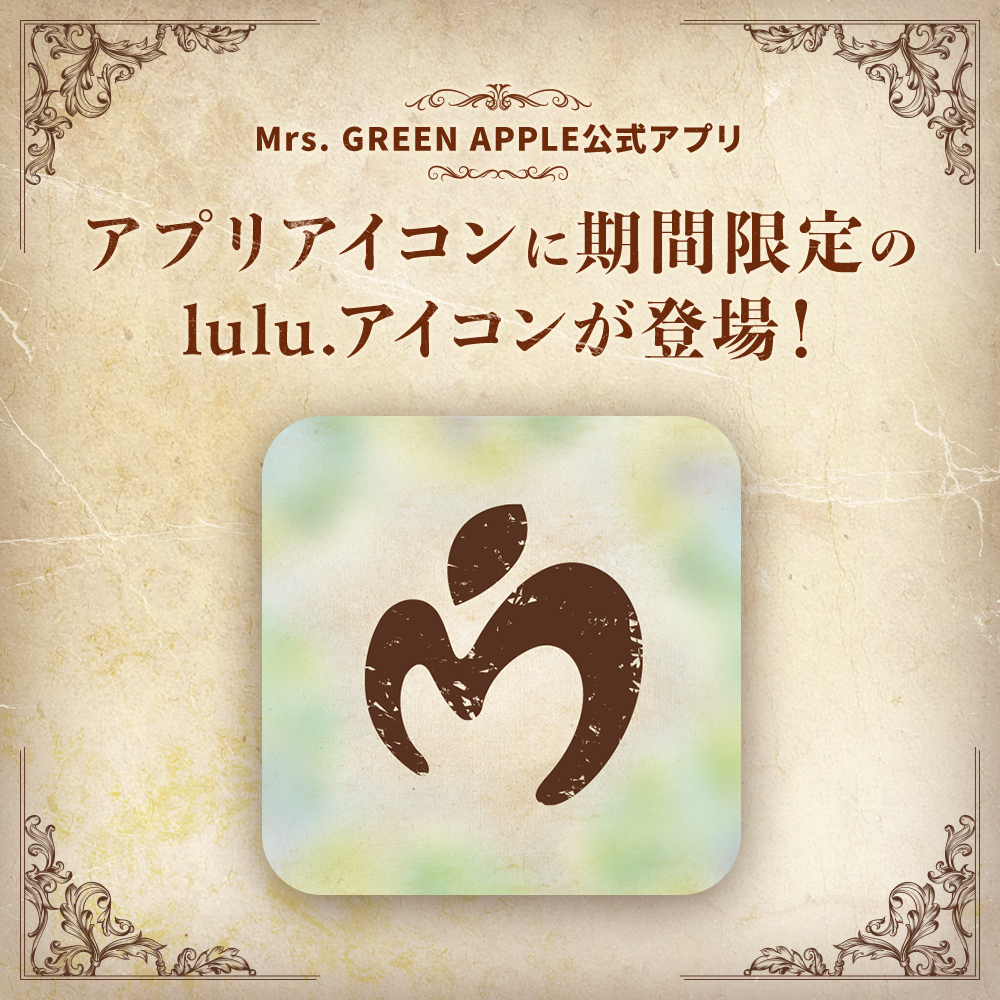
The "lulu." icon will be available for a limited time on the official Mrs. GREEN APPLE app "MGA App"!
JAM’S NEWS
このたびMrs. GREEN APPLE 公式アプリ「MGA App」に、期間限定の『lulu.』アイコンが登場しました!
『lulu.』アイコンはメニュー内上部の「Setting」ボタンより変更が可能です。
今だけの特別なカスタマイズをお楽しみください!
If the app icon does not appear on your iPhone, please check the following settings:
- Go to Settings > General > Language & Region and set the calendar to Gregorian.
- Go to Settings > General > Date & Time and turn on 24-Hour Time.
For users of the official app:
Customization is available only in the latest version of the app.
To update to the latest version, please use the links below:
▼iOS:
https://apps.apple.com/jp/app/mrs-green-apple/id6470959295
▼Android:
https://play.google.com/store/apps/details?id=mrsgreenapple.app&hl
Please note that it may take some time for the latest version to appear on the store. If it’s not yet visible, please try again later.